
Accent Changer
An online accent changer that adapts pronunciation toward clearer, more native English accents — while preserving your voice identity, timbre, and original language.
- Same voice identity
- Language unchanged
- In-browser, no install
How it works
Three steps from recording to native delivery
No apps to install. Upload a clip or record in the browser, choose a target accent, and download speech that still sounds like you.
01
Upload or record
Add an audio or video file, or record a short sample of clear speech directly in your browser.
02
Choose a target accent
Pick British, American, Australian, or another native accent profile — without switching the language you spoke.
03
Preview and download
Compare the result, review the transcript, and export your accent-changed audio as an MP3.
Built for voice identity
What this accent changer actually does
A focused tool for one job — clearer, more native-sounding delivery without rewriting your words or cloning someone else’s voice.
Who it’s for
One tool. Different reasons to sound clearer.
Creators, learners, and professionals use the same simple flow — upload or record, pick an accent, download — for different goals.
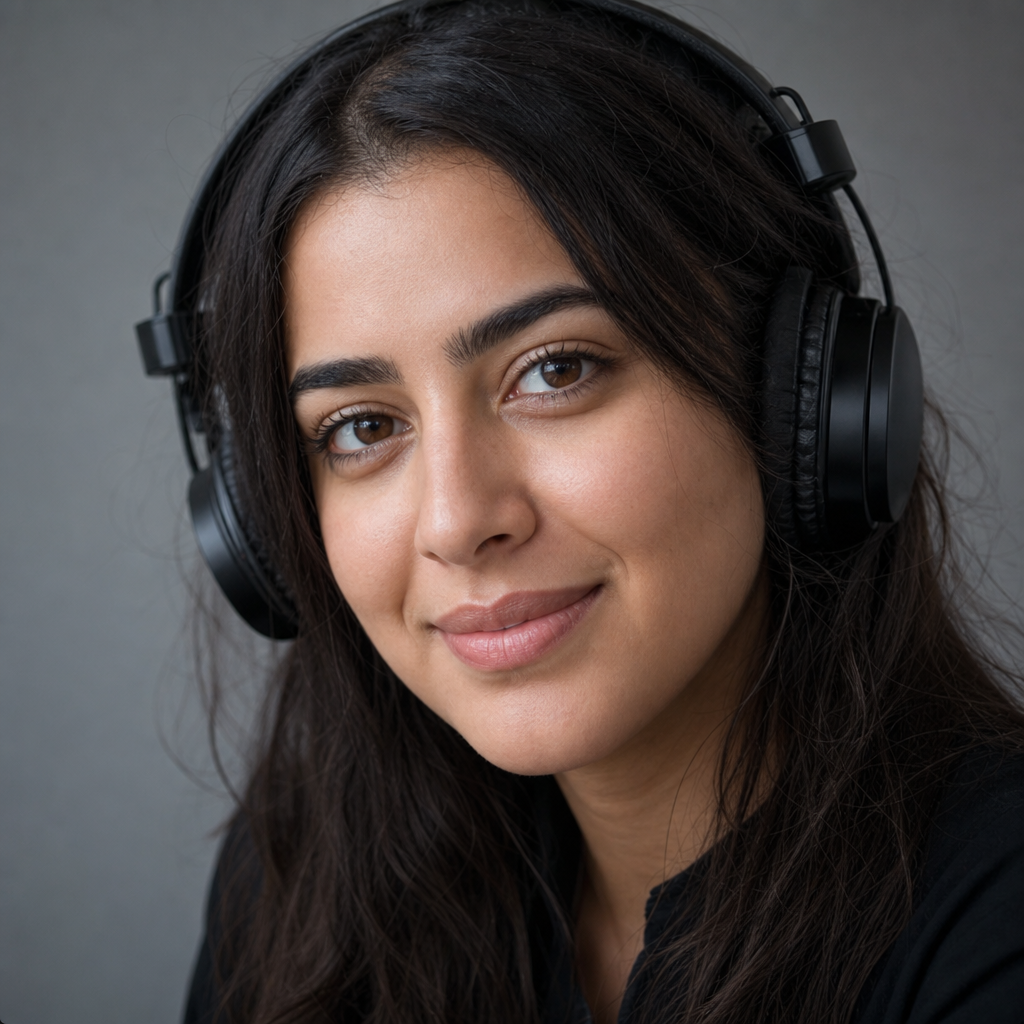
Creators and podcasters
Publish narration, intros, and clips with more native-sounding English delivery while staying recognizably you.

Language learners
Practice how your speech could sound with a target accent profile — useful for listening comparison and speaking confidence.

Professionals on calls
Soften a strong accent for presentations, interviews, and customer-facing audio without sounding like a different person.
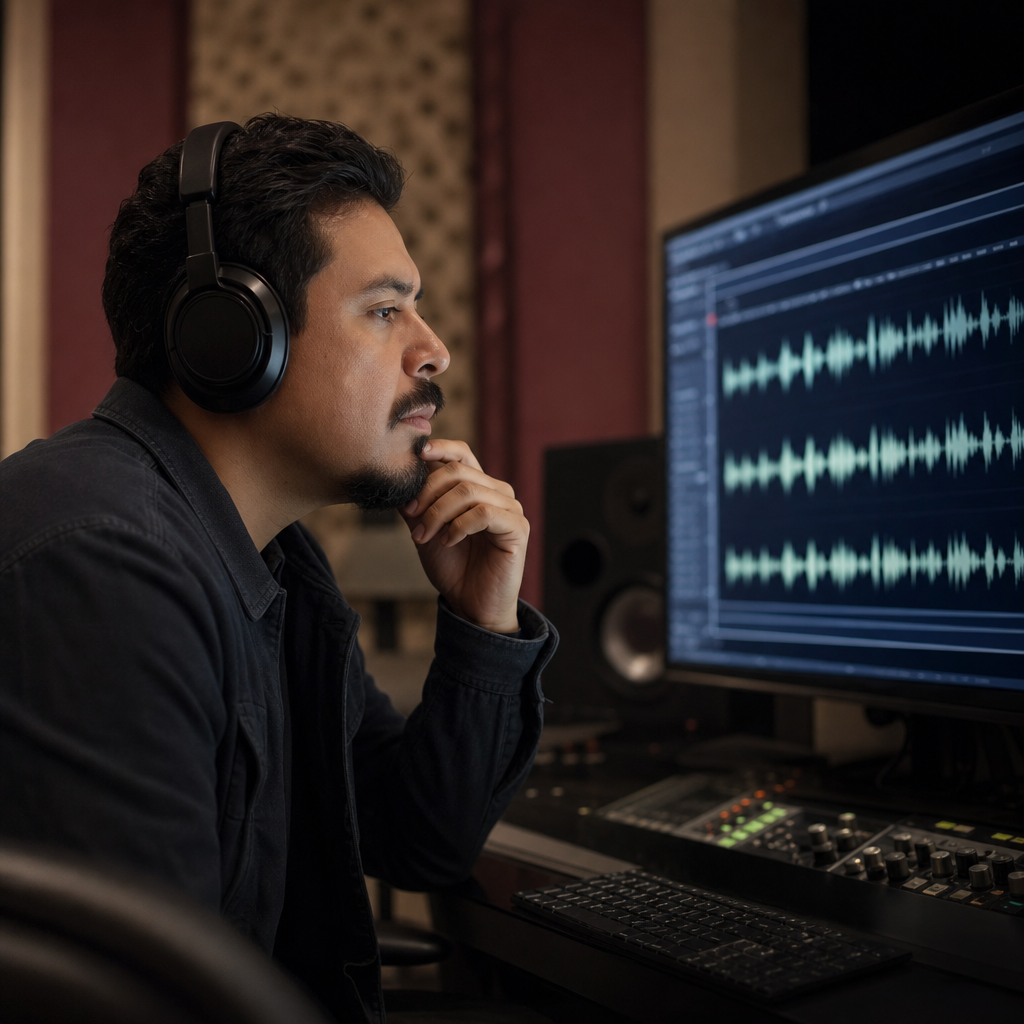
Localization teams
Quickly generate accent-adapted English variants for drafts, demos, and internal reviews before full production.
Voice identity
Your timbre stays. Your accent adapts.
Most “voice changers” make you sound like someone else. Accent Changer is built for the opposite outcome — keep the identity listeners already recognize, while moving pronunciation toward a more native English accent.
- Preserves vocal character and speaking identity
- Targets accent and delivery, not a new persona
- Designed for natural-sounding results you can publish or share

Language first
Change the accent. Not the words.
If you spoke English, the result stays English. The tool is not a translator and not a script rewriter — it focuses on accent conversion so your message remains intact while delivery becomes clearer to native listeners.
- Original language and meaning stay in place
- Useful for non-native speakers who want clearer English delivery
- Ideal when you need consistency across accents for the same content

FAQ
Accent changer questions, answered
Straight answers about voice identity, language, supported accents, formats, and what to expect from the free online flow.
You upload or record speech, choose a target accent, and the system transcribes your audio, models your voice characteristics, and regenerates the clip with more native accent delivery. The goal is clearer pronunciation while keeping your vocal identity and original language.
No. Accent Changer is not a translation tool. It keeps your original language and meaning. If you spoke English, the output remains English — with adapted accent and pronunciation rather than new wording.
You keep sounding like you. The product is designed to preserve timbre and voice identity while changing accent patterns. It is not meant to impersonate another speaker or replace your voice with a generic stock voice.
Supported profiles include American, British, Australian, Irish, Scottish, Canadian, Indian, and South African English, plus French, Spanish, Portuguese, German, and Italian variants. Availability can expand as new accent profiles are added.
Common audio formats such as MP3, WAV, M4A, and WEBM work well. You can also upload video — the tool uses the audio track. Prefer a short clip of clear speech, typically around 5–15 seconds for the best first result.
Yes. Use the built-in recorder to capture a sample without installing software. Make sure your browser has microphone permission, speak clearly, then choose a target accent and run conversion.
Most short clips finish in about 30 to 90 seconds, depending on length, network conditions, and current demand. Longer recordings take more time. You can preview the result before downloading.
Yes. You can try the accent changer in your browser without installing an app. Processing limits may apply depending on demand and usage. Check the on-page flow for the current free trial experience.
Review your usage rights before publishing generated audio in ads, products, or client work. For commercial projects, confirm that your plan and terms allow redistribution of converted speech.
Uploaded and recorded audio is used to run accent conversion. Treat sensitive content carefully, and avoid uploading confidential material unless you are comfortable processing it through the service. Prefer short samples that contain only what you need converted.
Ready when you are
Try the accent changer with your own voice
Upload a clip or record a few seconds, pick a native accent profile, and hear the difference — same voice identity, clearer delivery.
- No install required
- Language unchanged
- Download as MP3